
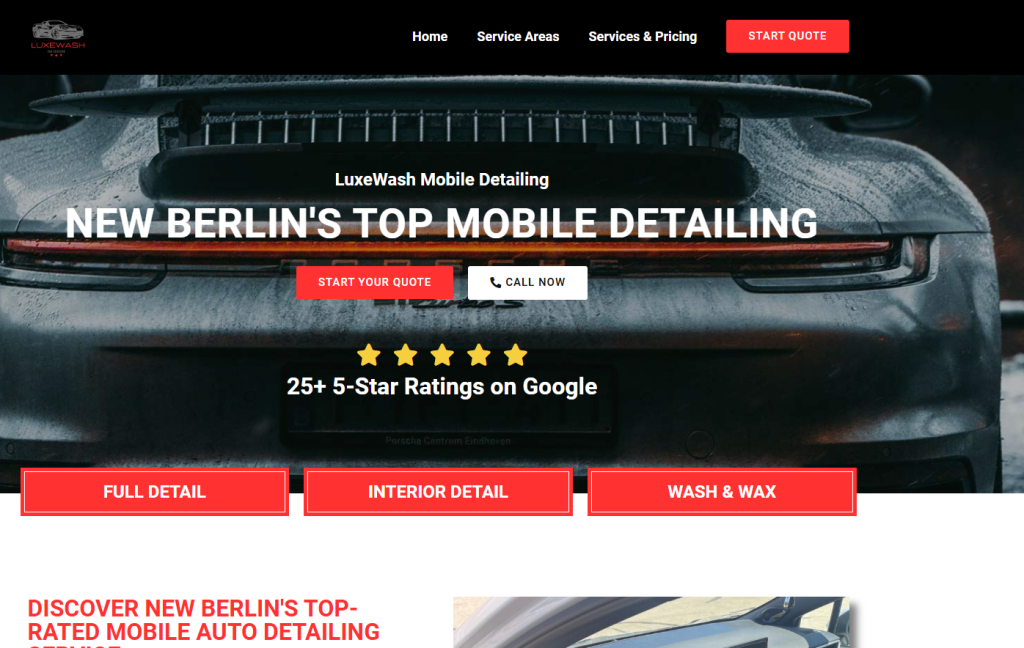
Auto detailing websites often struggle with a simple problem: visitors arrive, browse, and leave without booking. Business owners may assume the issue is pricing or traffic quality, but in many cases, the real problem is user behavior that isn’t being measured or understood.
Heatmaps provide visual insights into how visitors interact with your website. By showing where users click, scroll, and hesitate, heatmaps reveal conversion roadblocks that analytics alone can’t explain. This article explores how auto detailers can use heatmaps to improve website conversions and increase bookings.
1. What Heatmaps Reveal About Auto Detailing Website Visitors
Heatmaps visually display how users interact with your website by highlighting areas of high and low engagement. They show where visitors click, how far they scroll, and which sections attract attention.
For auto detailing websites, heatmaps often reveal surprising behavior. Users may ignore important booking buttons or focus heavily on images and pricing details. These insights help identify what’s working and what’s being overlooked, allowing you to make informed design decisions.
2. Identifying Missed Calls-to-Action Using Click Maps
Click maps show where users are clicking—or trying to click—on a page. This data is invaluable for improving conversions.
Auto detailing websites often discover users clicking on non-clickable elements, such as images or pricing text. This indicates user intent that isn’t being supported by design. By making these elements interactive or repositioning CTAs, you can capture lost opportunities and guide users toward booking actions.
3. Using Scroll Maps to Optimize Content Placement
Scroll maps reveal how far down a page visitors actually go. Many websites assume users read everything, but heatmaps often tell a different story.
For auto detailing sites, scroll maps may show that key information or booking buttons appear too low on the page. Moving essential content higher ensures more users see it. Optimizing content placement based on scroll behavior reduces friction and increases engagement.
4. Improving Mobile Conversions With Heatmap Insights
Mobile users behave differently than desktop users, and heatmaps help highlight these differences. Mobile heatmaps often reveal usability issues that aren’t obvious during design.
Auto detailing websites may find that mobile users struggle with small buttons, cluttered layouts, or excessive scrolling. Heatmap data allows you to adjust layouts, spacing, and CTA placement specifically for mobile. These improvements directly impact mobile conversion rates.
5. Detecting Friction Points in Booking and Contact Forms
Heatmaps can be applied to forms to see where users hesitate, abandon, or repeatedly click. This insight is crucial for improving form completion rates.
For auto detailing websites, heatmaps may show users dropping off at specific fields or hovering over form labels. These signals indicate confusion or friction. Simplifying fields, adding microcopy, or redesigning form layouts can significantly increase submissions.
6. Testing Design Changes Based on Real User Behavior
Heatmaps shouldn’t be used in isolation—they should guide testing and optimization. Once you identify problem areas, make small, measurable changes.
For example, reposition a CTA, simplify a section, or adjust visual hierarchy. Then compare heatmaps before and after the change. This iterative approach ensures improvements are driven by real user behavior rather than assumptions.
7. Combining Heatmaps With Analytics for Smarter Decisions
Heatmaps show where users interact, while analytics show what happens afterward. Together, they provide a complete picture of performance.
For auto detailing businesses, combining heatmap data with conversion metrics helps prioritize changes that matter most. This approach leads to smarter design decisions, higher engagement, and improved return on website investment.
Frequently Asked Questions (FAQs)
Are heatmaps useful for small auto detailing websites?
Yes. Heatmaps are especially useful for small websites because every visitor interaction matters. Even with modest traffic, heatmaps reveal patterns that help improve user experience and conversions.
How long should I collect heatmap data before making changes?
Typically, one to two weeks of data is sufficient, depending on traffic volume. The goal is to gather enough interactions to identify consistent behavior patterns before acting.
Do heatmaps slow down website performance?
Most modern heatmap tools are lightweight and have minimal impact on performance. Choosing reputable tools and proper implementation ensures your site remains fast.
Can heatmaps help improve local SEO indirectly?
Yes. By improving user engagement and reducing bounce rates, heatmap-driven optimizations support better SEO performance. Search engines favor sites that provide positive user experiences.
Should heatmaps be used continuously or occasionally?
Heatmaps work best as an ongoing optimization tool. Periodic reviews help track changes in user behavior and ensure your site continues to perform well as content and services evolve.
Conclusion
Heatmaps turn invisible user behavior into actionable insights. For auto detailing websites, they reveal exactly where visitors hesitate, get confused, or lose interest.
By using heatmaps to guide design decisions, auto detailers can remove friction, improve user experience, and increase conversions. Instead of guessing what works, you optimize based on real data—turning more visitors into booked customers and maximizing the value of your website.